Essential Beauty Mirror
- 4.4
- Rating
- 10.00K
- Installs
- Free
- Price
 Analysis by App-foxy
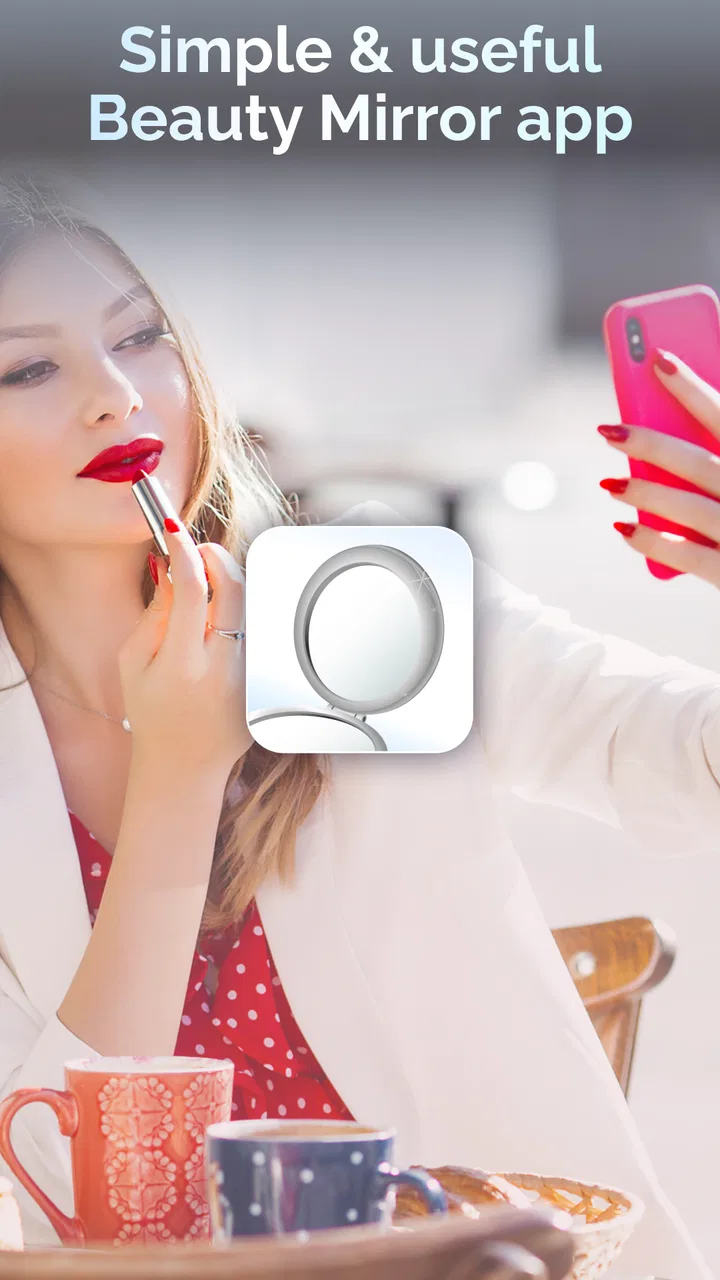
I like beauty apps that solve one small problem without trying to become an entire social network, shopping platform, or editing studio. Essential Beauty Mirror, developed by Beautiful Essentials, takes that narrower route. It is a free beauty app built around the idea of having a mirror available on your phone when a regular one is inconvenient. After spending time with it, I found the appeal easy to understand: it can be useful before leaving home, while travelling, or whenever I need a quick appearance check and do not want to search for a physical mirror.
That simplicity is also the key to judging it fairly. This is not the right download for someone looking for detailed makeup tutorials, professional retouching, product recommendations, or a full photo-editing suite. Its value depends on how quickly it gets me to a usable view of my face and how reliably that view works in the moment. The best way to use this app is as a quick visual check, not as a replacement for every beauty tool on a phone.
Getting past the first points of friction
The app is listed in the Beauty category and has reached over ten thousand installs, with an average rating of 4.4 from nearly four hundred ratings. Those figures suggest that its straightforward purpose is understandable to many users, but they do not remove the small practical issues that can appear with any camera-based utility. If the screen stays dark, the image does not appear, or the result feels awkward, the first reaction should be to check the basics rather than assume the app itself is broken.
You May Also Like

 Blood Strike: 2.5 Anniversary
Blood Strike’s Loadouts Turn Every Drop Into a Tactical Gamble
A close look at Blood Strike’s custom loadouts: how fast access to signature weapons reshapes its battle royale rhythm, rewards preparation, and narrows the gap between fights.

 Pandora - Music & Podcasts
Pandora’s Music Is Easy to Start, but Harder to Recover
Pandora’s strength is its low-effort path from a seed to a station. Its weak spot is how much confidence it asks you to place in connection, setup, and quiet recovery.

 8 Ball Pool
 Is Built on Rivalries, Rematches, and Routine
A close look at the rivalries, rematches, shared routines, and unanswered safety questions that turn a quick pool match into a persistent mobile community.

 Samsung Music
’s Quiet Strength Is Playing What You Already Own
Its reach comes less from spectacle than from dependable access to a personal library. That simplicity is both the app’s strongest retention engine and its ceiling.

 AccuWeather: Weather Radar
AccuWeather Review: A Quick, Clear Forecast for Everyday Decisions
For everyday plans, the best forecast is the one you can understand quickly. AccuWeather makes rain timing, radar, and local conditions easy to act on, with a few trade-offs.

 Hill Climb Racing
Why Hill Climb Racing Still Turns Crashes Into One More Run
A tiny car, a bumpy hill and one more upgrade: Hill Climb Racing keeps resurfacing because its simple chaos makes every near-miss feel personal.
More From Our News Desk
View All News


My first check is the phone’s camera access. A mirror app needs a working camera feed, so I would look at the app permission settings and make sure camera access has not been denied. I would also close other apps that may already be using the camera, such as a video call or another camera utility. On some phones, simply leaving another camera-dependent app open in the background can create confusion when switching to a different one.
The next check is the lens. This sounds obvious, but a fingerprint or a smudge can make the image look hazy and lead me to think the app is displaying poor quality. A quick wipe with a soft cloth is more useful than repeatedly changing settings. I also check whether the phone is being held with the front camera facing me, because a mirror-style tool is only helpful when the chosen camera gives the view I actually need.
Lighting matters more than many people expect. A dim room can make any phone preview look unhelpful, while a bright window directly behind me can leave my face in shadow. For a quick grooming check, I get better results by facing a soft light source instead of standing with it behind me. This is not a special feature of the application; it is simply a practical limit of using a phone camera as a mirror.
There is also a difference between a technical failure and an uncomfortable viewing angle. Holding the phone too close can make the image feel unnatural, especially when I am checking hair or makeup. I prefer to hold it at a normal conversational distance and adjust my position rather than judging the app from an extreme close-up. A mirror is most useful when the viewing conditions resemble the situation I am preparing for.
A calmer setup makes the app more useful
Essential Beauty Mirror supports devices running Android 9 or later, so compatibility is worth checking before installation. If the phone meets that requirement, I would still make sure the operating system is behaving normally, the battery is not critically low, and there is enough general space for apps to run comfortably. None of these checks changes what the app does, but they can prevent a rushed test from turning into an inaccurate verdict.
After opening it, I would give the app a moment to load instead of tapping repeatedly. If the screen appears slow, repeated taps can make the interface feel less predictable. A better routine is to wait briefly, confirm that the camera preview has appeared, and then move the phone into a comfortable position. This is especially helpful when I am using it at a doorway or in a public restroom and only have a few seconds.
Because the app is free to download, it is easy to try without committing to an upfront purchase. It does include optional in-app purchases ranging from $0.99 to $29.99 per item, so I would pay attention to any purchase screen rather than treating every visible option as part of the basic free experience. For a simple mirror check, I would start with the core use and only consider an optional purchase if it clearly improves something I actually need.
That approach also answers an important practical question: is it suitable for a child or a family device? The content rating is Everyone, which makes it broadly accessible from an age-rating perspective. Even so, purchase awareness still matters on a shared phone. I would not hand a child a device with unrestricted purchase access simply because the app itself has an Everyone rating.
Recovering a workflow when the first attempt fails
When the app does not behave as expected, I use a short recovery sequence. First, I leave the screen and open it again. If that does not help, I close the app fully and relaunch it. I then recheck camera access, clean the lens, and test the phone’s regular camera. This last step is useful because it separates an app-specific issue from a wider phone-camera problem.
If the regular camera also fails, I would focus on the phone rather than blaming Beautiful Essentials. Another camera app may still be holding access, the device may need a restart, or the camera hardware may be having trouble. If the regular camera works normally but the mirror app does not, reinstalling the app can be a reasonable next step, provided I am comfortable signing back into anything else on the device and reviewing permissions again.
I would avoid making a rushed purchase while troubleshooting. If a feature appears unavailable, that does not automatically mean paying will fix a loading issue. A purchase should be based on a clear benefit, not on trying to repair a camera preview. This distinction is particularly important because the optional items can cost substantially more than a casual utility app usually feels like it should.
One useful habit is to test the app in the same environment where I plan to rely on it. If I want to use it before commuting, I test it near the entrance with the lighting I normally have there. If I expect to use it while travelling, I test it while holding the phone one-handed and checking whether the view is still comfortable. This reveals practical friction that a quiet test at a desk may hide.
I also keep a physical backup in mind. A phone can run out of battery, become difficult to hold, or show a poor image in harsh lighting. For a quick check, the app is convenient, but convenience is not the same as certainty. If I am preparing for an important event, I prefer to check my appearance in a proper mirror as well, especially for details that depend on accurate lighting or a wider view.
When the app is not the real cause
Some disappointing results come from the environment rather than the application. Indoor lighting can make skin tones appear different from how they look outdoors. Reflections from a bright ceiling light can distract from small details, and a dark background can make the preview feel less clear. Moving a few steps or turning toward a more even light often improves the result more than changing the app.
Phone hardware also affects the experience. A device with a scratched lens or an older front camera may produce a softer view than a newer phone. That does not necessarily mean the app is lowering quality. The application can only work with the camera feed the device provides. If the same softness appears in ordinary selfies, the limitation is probably broader than this particular beauty tool.
There is a psychological limitation too. A live phone preview is not identical to looking into a household mirror. The screen is smaller, the phone may be held at an unusual angle, and the front-camera view can feel unfamiliar. I try not to make detailed beauty decisions from a single hurried glance. For a quick check that hair is in place or makeup has not visibly smudged, it is practical. For judging subtle color or symmetry, a larger, well-lit mirror remains better.
This is where the app compares interestingly with the usual alternatives. A physical mirror gives a more natural scale and does not depend on battery, permissions, or camera access. The phone’s built-in camera may offer more familiar controls, but it is not necessarily designed around a fast mirror-like routine. A beauty editor can add filters and corrections, yet those changes may make it harder to judge how I really look. Essential Beauty Mirror sits between these options: more portable than glass, less elaborate than an editor, and more focused than a general camera.
That focused role is a strength for people who want a low-effort check. It is a weakness for anyone who expects a broad beauty toolkit. I would skip it if my main goal were virtual makeup experimentation, detailed skin analysis, saved before-and-after comparisons, or creative portrait editing. Those needs call for a more specialized app, and adding a mirror utility will not replace them.
Everyday situations where it earns its place
A realistic use case is a short stop before work. I might leave home in a hurry, notice that my hair has shifted during the commute, and have no convenient wall mirror nearby. I can open the app, face a reasonably bright area, and check the visible problem without taking a photo or opening a social platform. That removes a few distractions and keeps the task private and quick.
It can also help while travelling light. In a hotel, hostel, office, or event venue, the available mirror may be poorly placed or occupied. A phone-based check gives me another option for adjusting a collar, checking lipstick, or seeing whether loose hair is obvious from the front. I would not use it as the only tool for precision grooming, but it is useful as a portable fallback.
Another less obvious use is checking presentation before a video call. I can use the app to see whether my face is evenly lit and whether hair or glasses are sitting awkwardly before joining the call. The important trade-off is that the view may not match the final call preview exactly. Camera position, software processing, and the other app’s framing can differ, so I treat the mirror check as preparation rather than a guarantee.
For people who wear glasses, the app can be convenient because it lets me check the visible frame and hairline without taking the glasses off. However, reflections from the phone or nearby lights can make the view less useful. Tilting the phone slightly or changing the light source is usually more effective than staring at the screen from the same angle.
I also see value for anyone who dislikes taking selfies just to inspect their appearance. A mirror-style workflow feels less performative than opening a social camera, applying a filter, and deciding whether to save or discard an image. That can make the app more comfortable for quick private checks. Still, users who are very concerned about camera permissions may prefer a physical mirror, since the phone-based approach necessarily depends on camera access.
What the current release means for new users
The current version is 1.1.4, and the app was released on April 17, 2024. I would treat it as a focused utility rather than an established all-purpose beauty platform. The version information is useful when troubleshooting because support steps can differ between releases, and it is sensible to keep the installed version current through the normal app-store process.
Beautiful Essentials has kept the concept easy to understand: open a beauty-focused mirror and use the phone as a portable viewing tool. That clarity is preferable to an overloaded interface, especially when I am checking my appearance under time pressure. At the same time, a compact concept means there are fewer reasons to keep the app open for long sessions. I expect to use it briefly, then close it.
The rating of 4.4 is encouraging, but I would not read it as proof that every phone will behave identically. Camera placement, screen size, lighting, operating system behavior, and personal expectations all affect the experience. A person who wants a quick mirror may be very satisfied, while someone expecting advanced beauty controls may find the same app too limited.
One practical decision is whether the optional purchases make sense. Since the download itself is free, I would begin by establishing whether the basic mirror workflow is already useful. If it solves the problem without payment, there is no reason to buy something merely because it is visible. If an optional item addresses a specific need, I would review its description and final checkout amount carefully before confirming.
My practical verdict after using it
I recommend Essential Beauty Mirror to people who want a simple, portable way to check their appearance and understand that a phone screen is not the same as a full-size mirror. Its strongest quality is convenience: it can be ready on the device I already carry, and it avoids the extra steps associated with taking, editing, or sharing a selfie. For commuting, travel, quick workplace checks, and pre-call preparation, that narrow purpose makes sense.
I would not recommend it as the main choice for advanced beauty work. If I needed tutorials, virtual product testing, detailed retouching, or accurate full-face assessment under controlled lighting, I would choose a more specialized tool or a physical mirror. The app is most effective when I keep the task modest and use good lighting, a clean lens, and a comfortable viewing distance.
My final advice is to test it calmly before relying on it outside the home. Confirm that the phone meets the Android requirement, allow camera access, check the regular camera if the preview fails, and avoid confusing a lighting problem with an app problem. Keep purchases separate from troubleshooting, and remember that a physical mirror remains the better option when scale and natural reflection matter.
For me, this is a useful small utility rather than an essential beauty system. Its free entry point makes trying it easy, its Everyone rating makes it broadly approachable, and its focused design can be more convenient than opening a general camera. If your need is a fast, private appearance check, this app is worth trying; if you want a complete beauty studio, it is better to look elsewhere.
FAQs for Essential Beauty Mirror
01What is Essential Beauty Mirror, and what can I use it for?
Essential Beauty Mirror is a beauty-focused mirror app designed to turn your Android or iPhone into a convenient digital mirror. After opening it, you can check your appearance using the front-facing camera, adjust the view, and use the screen in situations where carrying a compact mirror is inconvenient. It is useful for checking makeup, hair, skincare details, or your overall look while traveling or away from home.
02Does Essential Beauty Mirror work without an internet connection?
The basic mirror function generally does not need a constant internet connection because it relies on your device’s front camera and display. This makes it practical for quick checks while commuting, traveling, or in places with limited signal. However, specific features such as advertisements, optional content, updates, or external links may require internet access, depending on the version installed and the permissions requested.
03Does the app save or share photos and camera images?
Before using Essential Beauty Mirror, review its camera and privacy permissions carefully. A mirror app needs camera access to show your reflection, but that does not automatically mean images are saved or uploaded. Avoid granting unnecessary permissions, and check the app’s privacy policy and store listing for details about data collection, advertising, analytics, and whether camera content remains only on your device during use.
04Is Essential Beauty Mirror suitable for applying makeup accurately?
Essential Beauty Mirror can be helpful for quick makeup checks, touch-ups, and examining details on your face, but its accuracy depends on your phone’s front camera, screen brightness, lighting conditions, and display quality. Poor or uneven lighting can change how colors appear, so it should not replace a well-lit physical mirror when precise foundation, concealer, or color matching is important.
05Is Essential Beauty Mirror free to download, and are there advertisements or extra costs?
The availability and pricing of Essential Beauty Mirror may vary between the Google Play Store and Apple App Store, as well as by region and app version. Check the official store page before downloading to confirm whether it is free, supported by advertisements, or includes optional purchases. Also review subscription details carefully, since some cosmetic or utility apps may offer paid upgrades or remove ads for a fee.
Pros
- Simple interface makes the mirror quick to open and use.
- Front-camera preview helps with makeup
- grooming
- and quick checks.
- Brightness controls improve visibility in dim indoor settings.
- Convenient for travel when you do not have a physical mirror nearby.
- Uses the phone’s existing camera without requiring extra accessories.
Cons
- Image quality depends heavily on your phone’s front camera.
- The screen may be too small for detailed beauty or makeup work.
- Camera access is required
- which may concern privacy-conscious users.
- Battery use can increase during extended mirror sessions.
- Reflections may appear reversed or differ from how others see you.

Essential Beauty Mirror
Gallery